Construction Financing Built for Subcontractors
Empowering you to do the best work of your life.
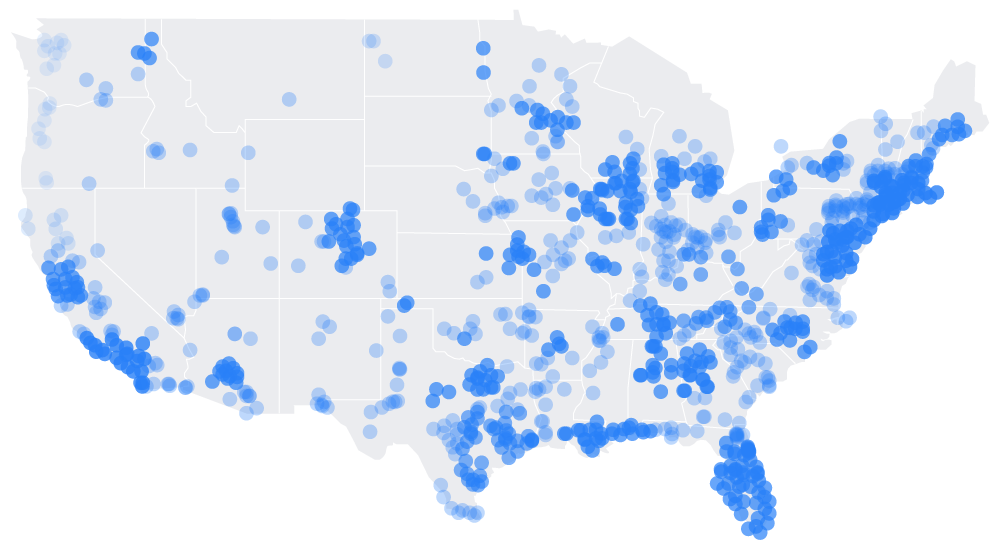
Financing trusted by subcontractors on projects across the country
Value of Projects Using Billd
$0 billion
Projects run by America's biggest GCs





The latest from Billd
Construction financing for any project, current or in the pipeline
- Purchase materials from any supplier with 120-day payment terms
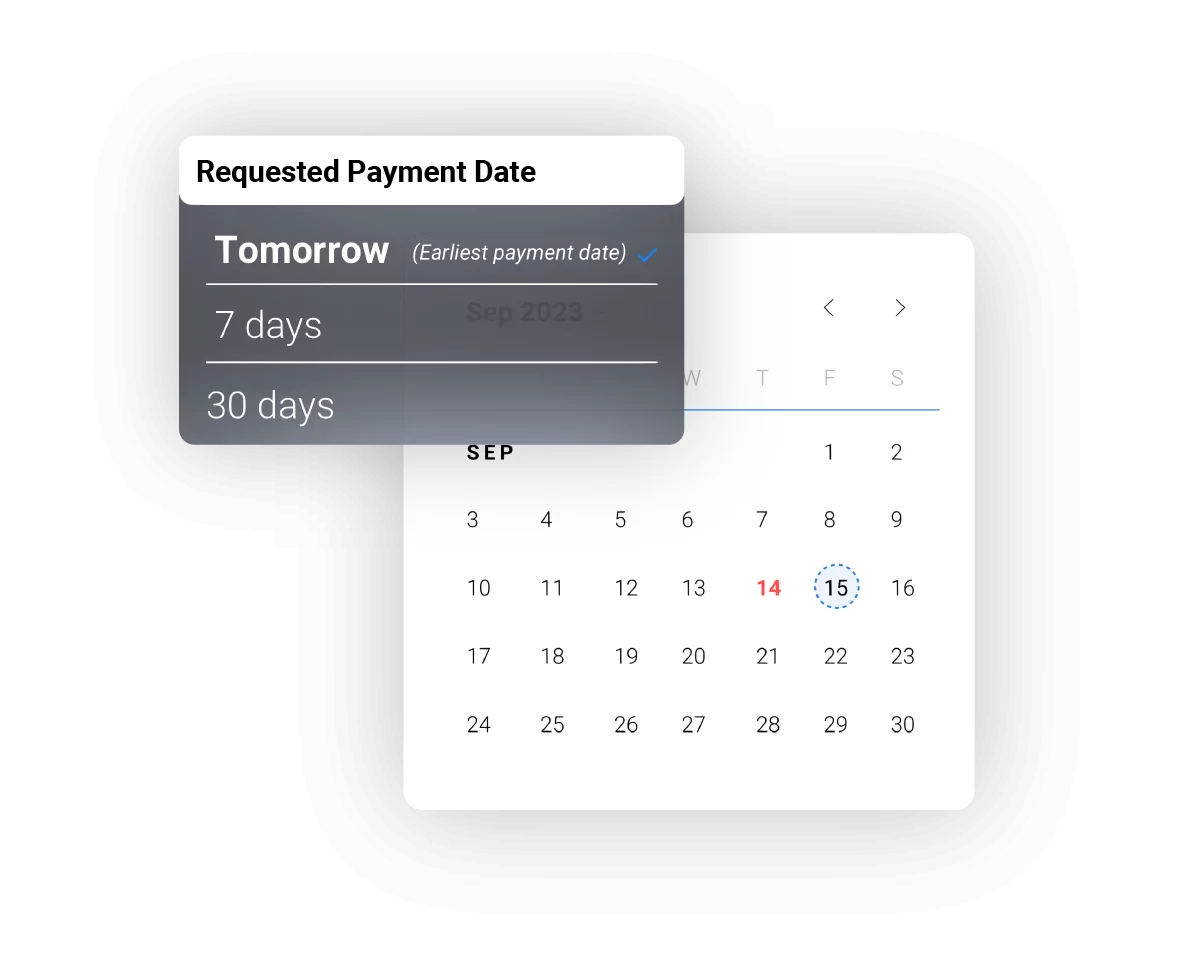
- Get paid on approved pay apps before the GC releases funds
- No hard credit pulls or financial statements required to apply
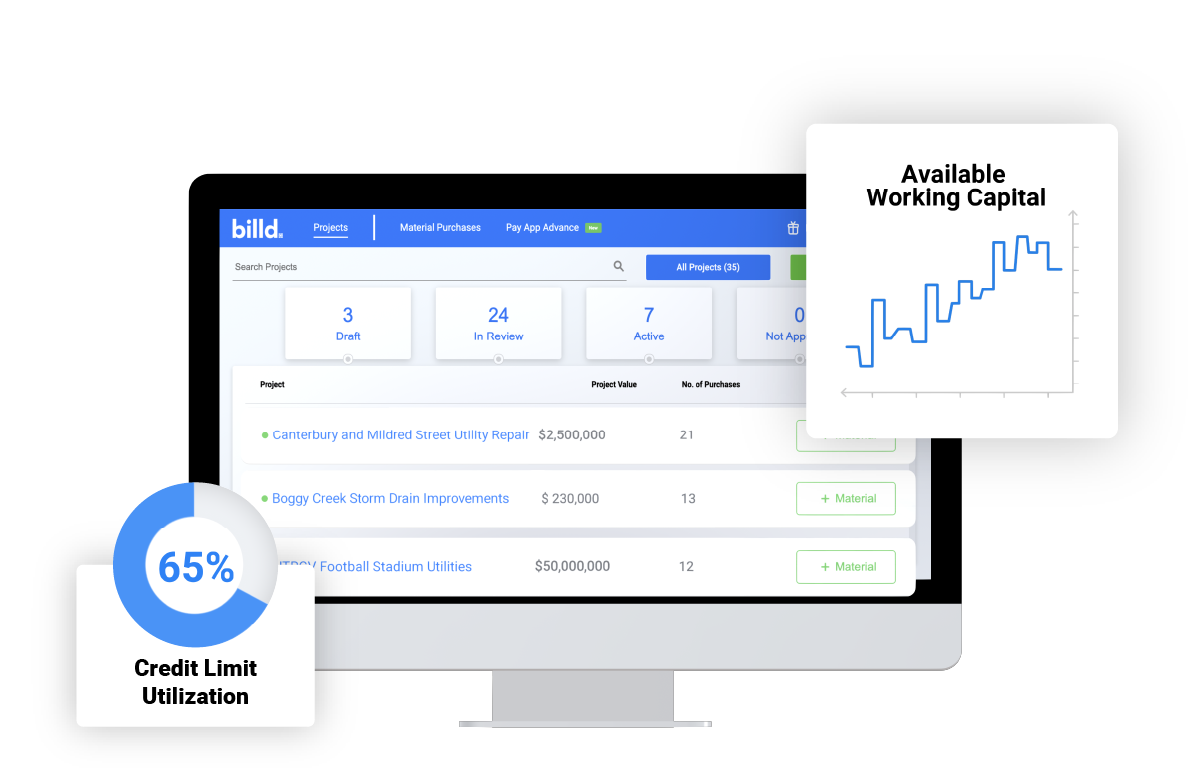
Unlock solutions that flex with the changing needs of your business
- Project-based credit lines that grow with your business
- Real-time visibility into your credit utilization and payment schedule
- A dedicated account manager to help you optimize your strategy
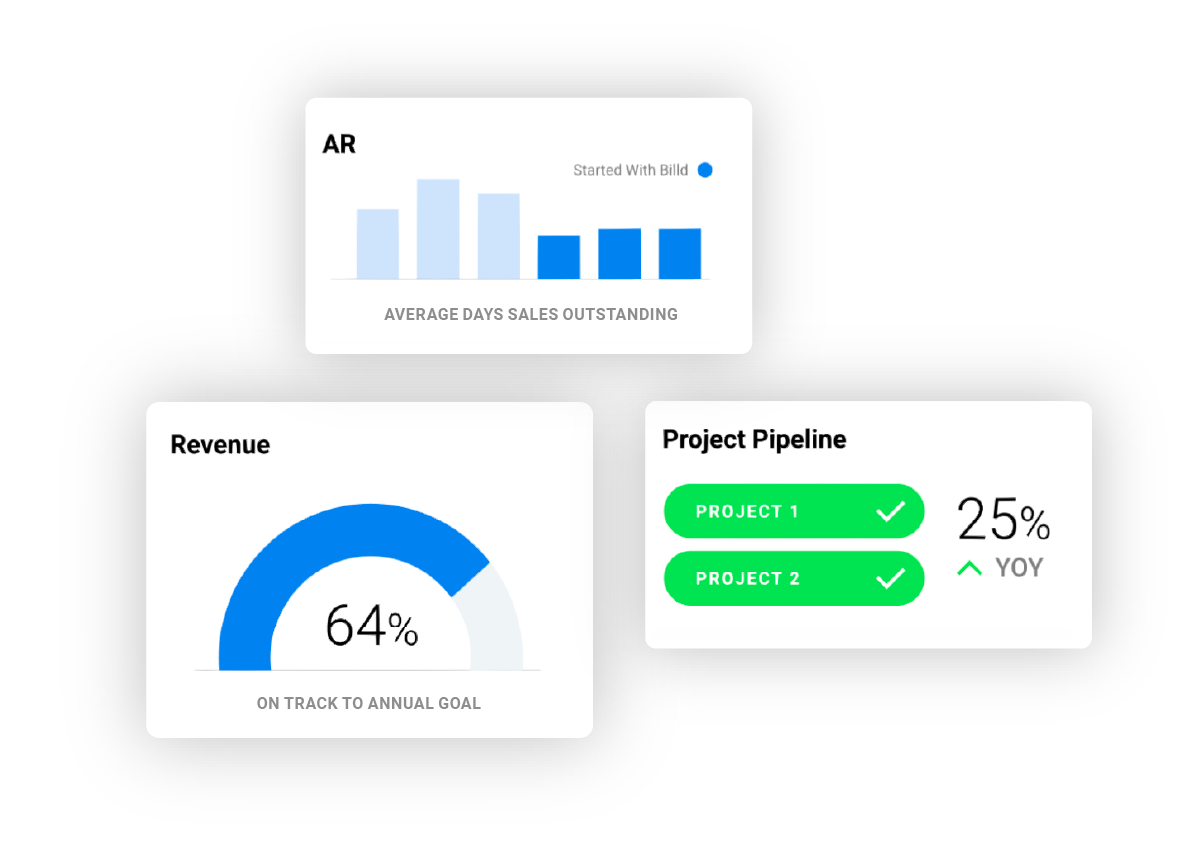
With Billd in your toolbelt you can plan for your business on your terms
- Bid on bigger projects with confidence knowing you have the capital to deliver
- Invest in your team, equipment, and growth without cash flow constraints
- Build a predictable payment pipeline aligned with your project timelines
Billd Products
Free your business from the broken repayment chain
Material Financing
Never come out of pocket to pay for materials
Billd pays your supplier upfront so you get materials now and pay over time with 120-day terms. Align your material costs with your project cash flow.
- Up to 120-day payment terms
- Use any supplier you want
- No hard credit pulls to apply
- Project-based credit lines
Pay App Advance
Get paid on your terms
Don't wait 60–90 days for GC payment. Get paid on approved pay apps today and put that money to work on your next project.
- Advance on approved pay apps
- Funds in as little as 24 hours
- No impact on GC relationship
- Simple, transparent pricing
*Exclusions apply
Learn moreSee what contractors around the country are saying about Billd
Michael Greenfield
CFO / Broadband Technology Corporation
“Billd is a breath of fresh air! I was pleasantly surprised at the ease of doing business with Billd. We were on a tight deadline right before Thanksgiving, our rep told us what we needed to provide in order to get approved and we were funded within days.”

Mark Frederick
CEO / CitiGreen
“Billd has eliminated our problems with funding completely. We've been able to keep all of our projects on schedule with no delay, and we're finishing our projects faster than when we were just using vendor credit.”

Michael Herndon
Principal / StruktureOne Group
“Having Billd in our corner made us more bullish on chasing projects. It made our lives a lot easier as far as being able to better manage cash flow on certain jobs.”

Dave Eisenhower
Financial Manager / Plumb-Tech
“The longer timeframe Billd offered was super useful. They made everything much smoother; with less pressure to make material payments in 30 days, we can focus on the work that matters. Billd came at a perfect time for us.”

Amanda Smith
Controller / Ironsmith Fire
“Our partnership with Billd started over a year ago, and we have been extremely pleased with the overall experience. As a new construction company, Billd has made it possible for us to fund large projects that we would not have been able to take on otherwise.”
Edgar Moreno
Owner / Capillas Concrete
“Life before Billd was stressful. Instead of focusing on delivering to my clients, I was focused on finances. Now, the GCs I work with are confident in hiring Capillas because they have a contractor who can deliver on time and on budget.”
Sarah Garcia
Controller / DB Utility Contractors
“Pay App Advance has helped to tremendously cut down on receivables time. This has allowed us to pay our bills on time and manage overhead costs with less stress. Pay App Advance has eliminated some cash flow challenges we previously faced.”
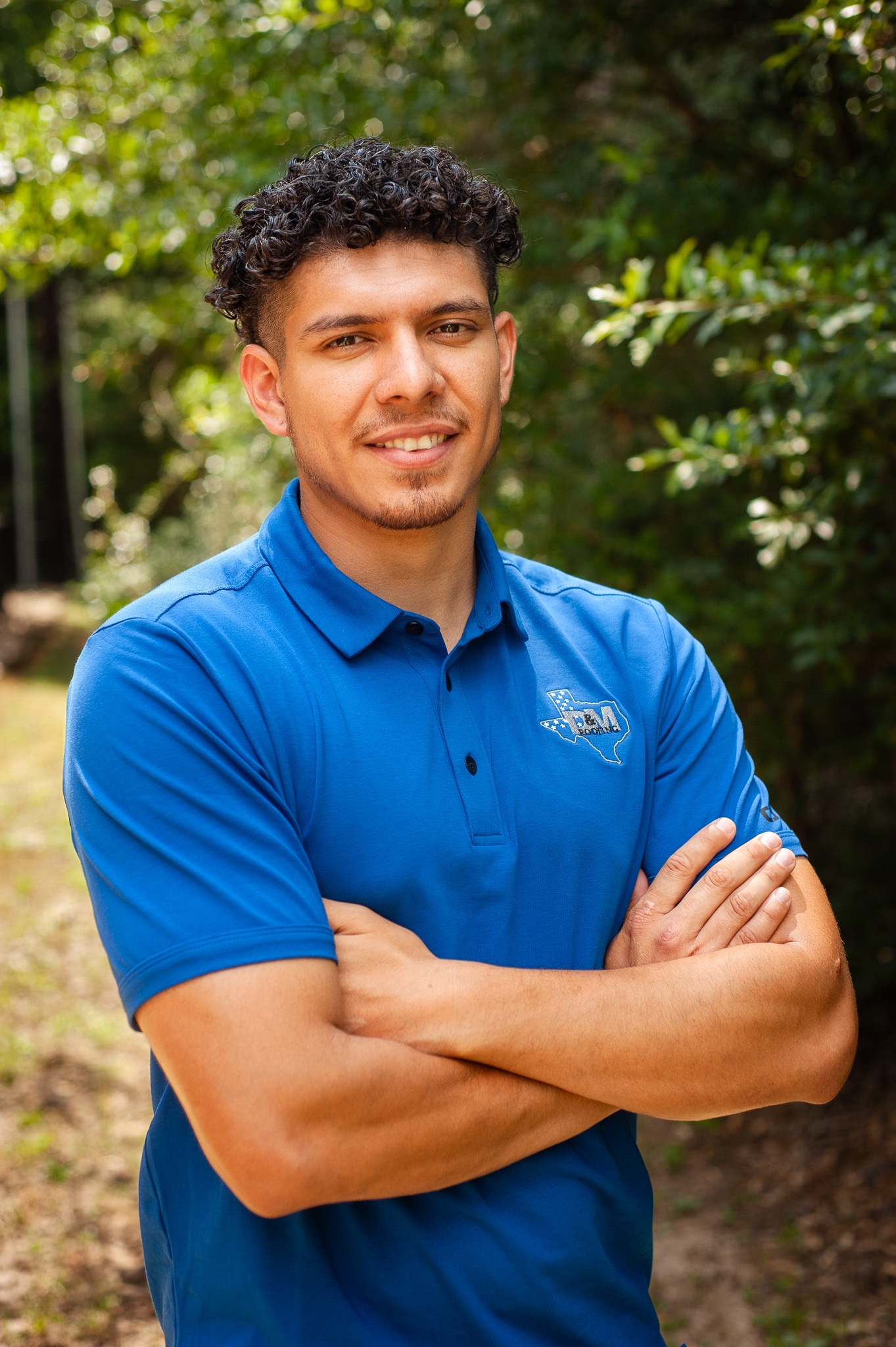
Carlos A Rodriguez
Co-Owner / ZM Sheet Metal Roofing
“When I was first introduced to Billd, I didn't know what to expect but their services has helped our company have the confidence and trust to execute various commercial jobs throughout the years of working together.”
Lukas Montgomery
Accounts Payable / Miller Paneling
“Our partnership with Billd has proved very beneficial and promising for our cashflow needs. This team understands the unique and difficult place which subcontractors fall on the construction food chain.”
Ashleigh Hernandez
President & CEO / Van Linda Iron Works
“Billd has been a literal answer to our prayers as an organization. Being a sub-contractor has challenges, several of which Billd has eased. Most notably, Billd allows us to procure materials and pay for them over time.”
Partners and integrations


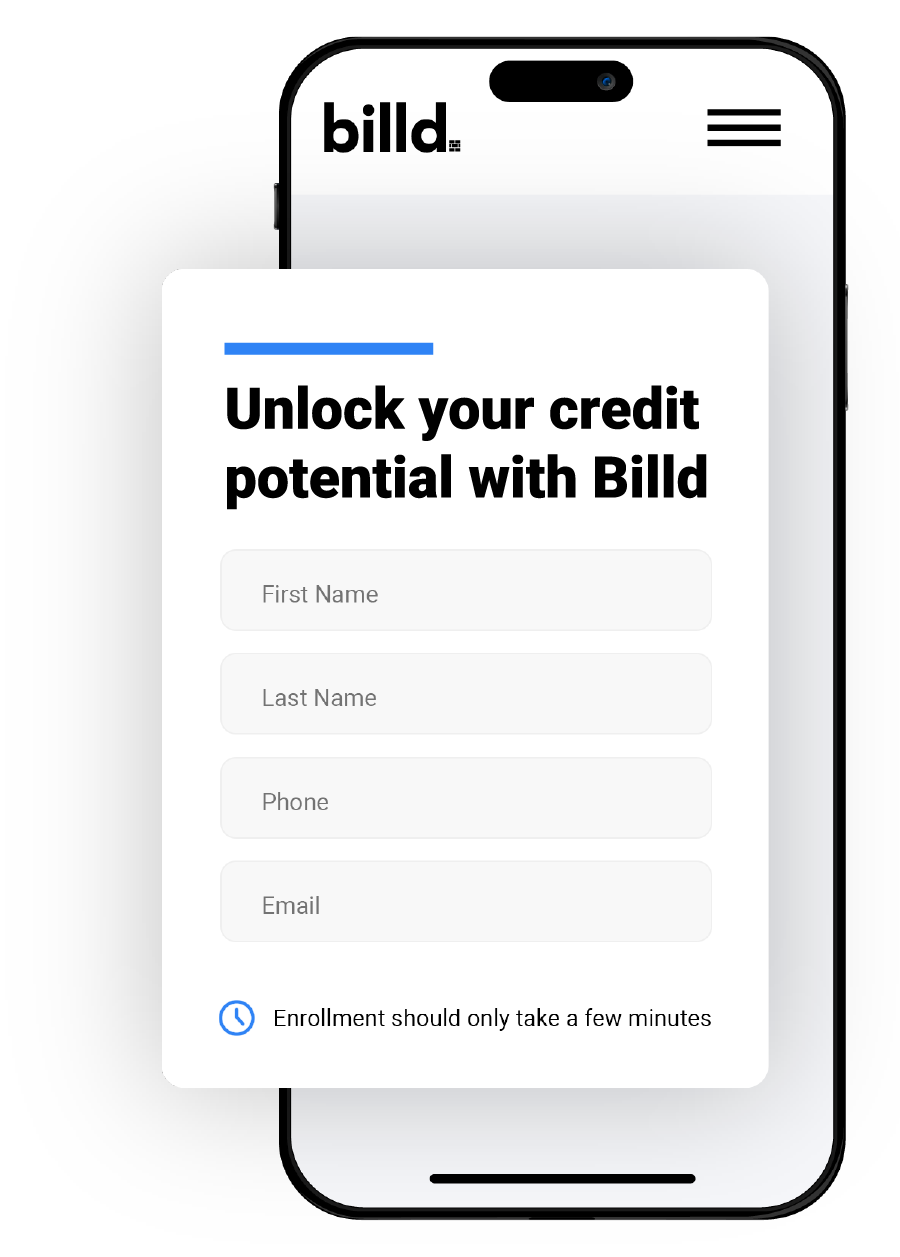
It's simple
Getting started with Billd is easy
Tell us about you
Provide us with some information about you and your business.
Strategize with Billd
Strategize your business solutions with a Billd representative.
Start building
Start using your project-based purchasing power.
The Billder's Bulletin
Construction finance intelligence, delivered monthly.
Join thousands of construction executives getting the Billder's Bulletin.